
Free Chrome extension
Three questions. A new topic in every tab.
Open a Chrome tab and go straight into three easy questions on a familiar topic. Next topic starts a fresh round when you want more. No account, no timer.


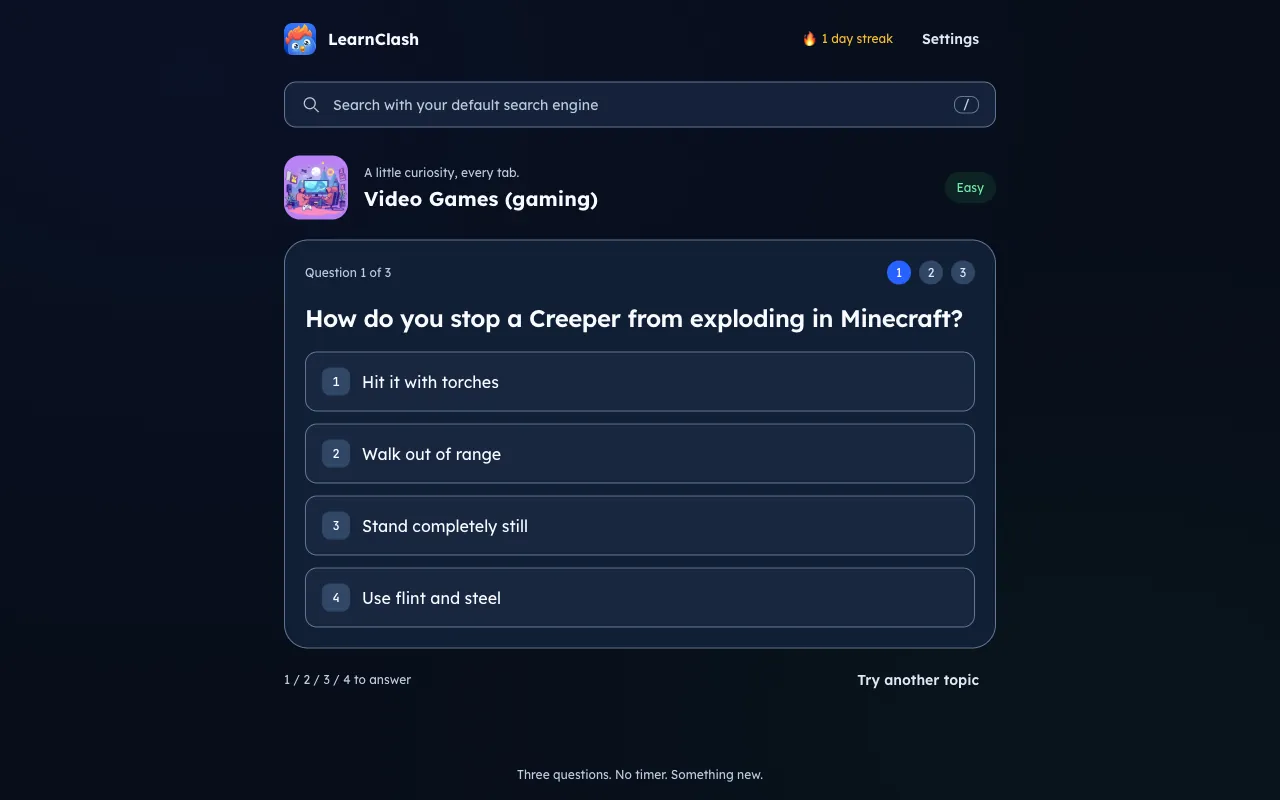
How LearnClash's new tab extension works
A short learning break starts with the first question. Easy is the default, and you can choose Medium or Hard in Settings.
Open a new tab
Start with a question on a familiar topic such as animals, movies, science, or geography. LearnClash chooses the topic for you.
Answer three questions
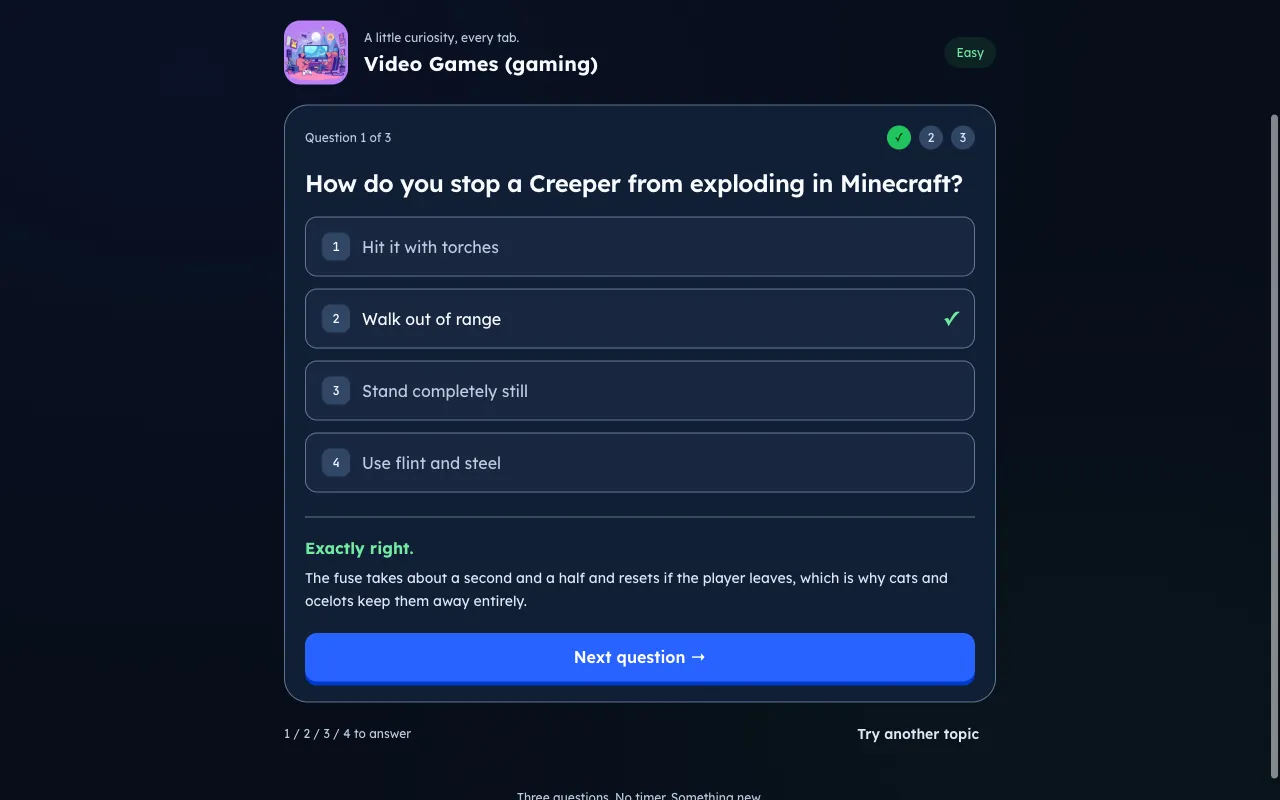
Take your time and get immediate answer feedback. All three questions use your selected difficulty.
Try the next topic
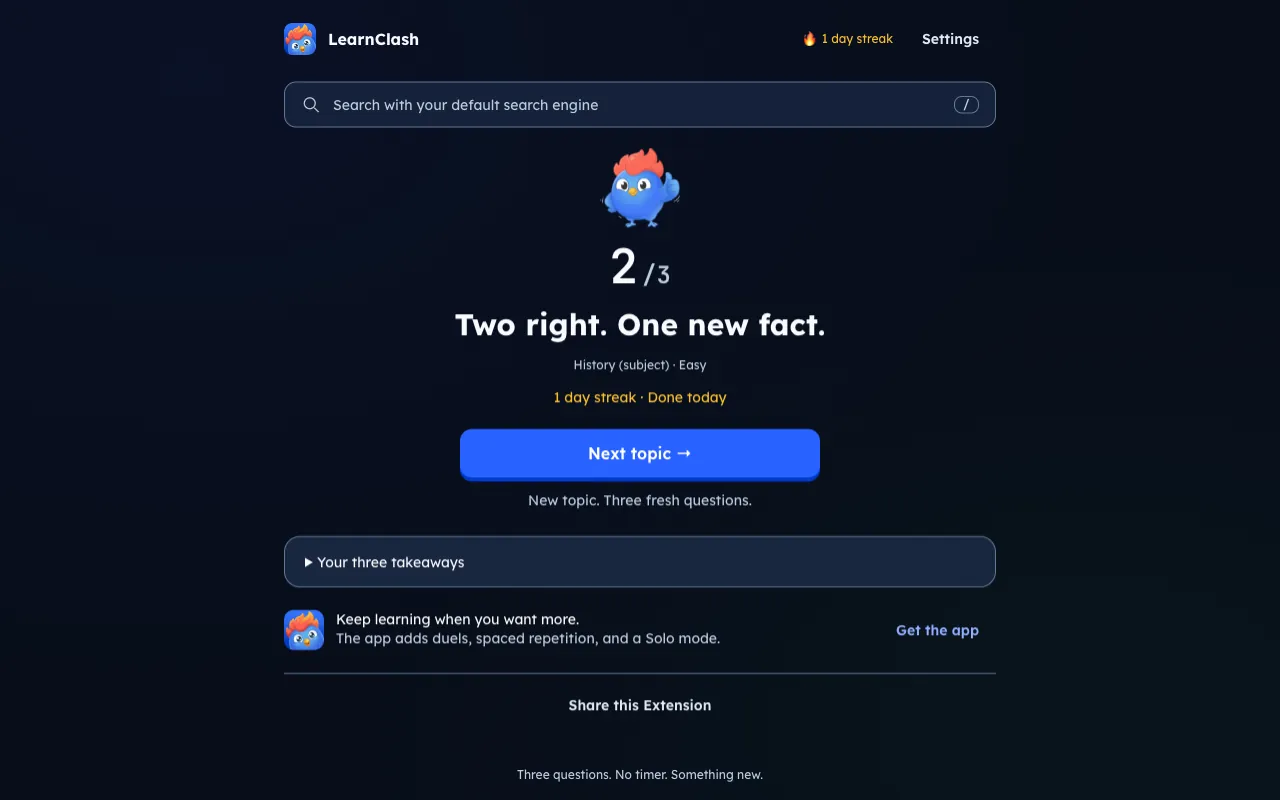
See your score and review your three takeaways. Next topic brings another subject and three fresh questions.
See it in action
What makes this new tab extension different
Your first question is the main event. Search stays available through your existing Chrome search provider, and each answer moves at your pace.
Familiar topics, fresh rounds
Animals, movies, science, geography, and more. Start with a topic picked for you, or switch to another when curiosity takes you elsewhere.
Easy by default. Your choice.
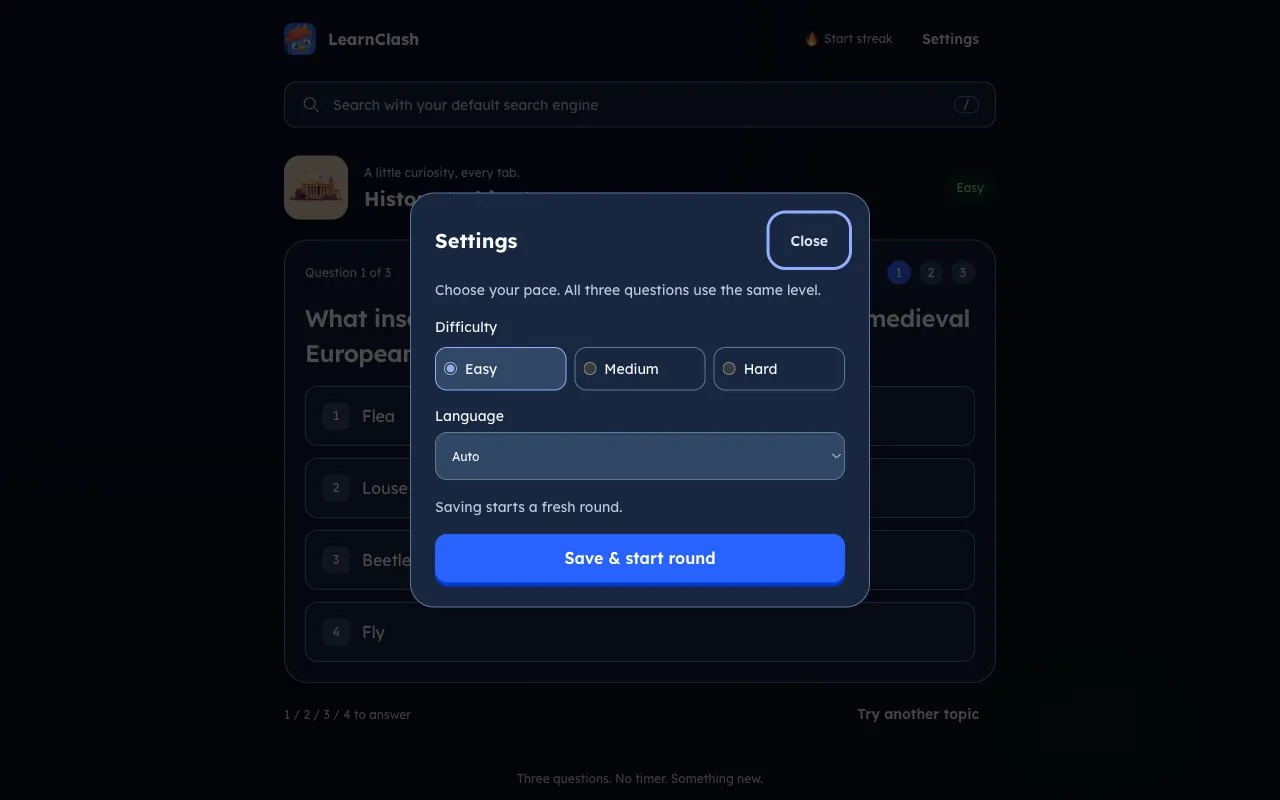
Choose Easy, Medium, or Hard in Settings. The whole round stays at that level, and your choice carries into future rounds.
A daily learning streak
Finish three questions to keep your daily streak going. Your streak and settings stay in this browser profile.
Free. No account. No ads.
No sign-up, no login, no ads. Open a tab, play, done.
The browser extension and the LearnClash app
Use the extension for a quick break in Chrome. Choose the mobile app for topics you want to explore further, duels, and spaced repetition.
| Chrome extension | LearnClash app | |
|---|---|---|
| Where you play | Your Chrome new tab | iOS and Android |
| Topics | A rotating selection of familiar topics | Explore and save topics you choose |
| Rounds | Three questions at your chosen level | Duels and Solo sessions |
| Progress | Local daily streak | Account-based learning progress and ELO |
| Review | Review your three answers | Spaced repetition across app questions |
| Price | Free, no ads | Free with optional Premium, no ads |
Start with three questions in your browser. Add the app when you want duels or a deeper learning routine.
The extension is just a taste
The LearnClash mobile app adds ELO-ranked duels, Solo sessions, and spaced repetition across the topics you choose. Extension scores and streaks stay in your browser; they do not transfer to an app account.
Questions about the Chrome extension
Is the LearnClash new tab extension free?
Yes. The extension is free, with no account, subscription, or ads. Open a tab and start a three-question round.
Does it replace my Chrome new tab page?
Yes. LearnClash replaces the default new tab page with a quiz. Its search box uses your existing Chrome search provider without changing your search settings.
Can I change the difficulty?
Yes. Open Settings and choose Easy, Medium, or Hard. Easy is the default, and all three questions in a round use the same level. Saving starts a fresh round with your choice.
What languages does the extension support?
English, German, French, and Spanish. LearnClash detects your browser language, or you can choose a language in Settings.
Where do the questions and topics come from?
The extension draws a rotating selection of familiar topics from LearnClash. Questions are reviewed, and community ratings help with selection. The mobile app offers a broader topic library you can explore yourself.
Does the quiz work offline?
Previously loaded rounds can be played offline while unused cached questions remain. You need a connection for the first load, to fetch more rounds, or when saved rounds expire.
Does extension progress sync with the mobile app?
No. Extension streaks, settings, and completed rounds stay in this browser profile. They do not transfer to the mobile app or another browser profile.
Can I uninstall it and get my old new tab back?
Yes. Open chrome://extensions, find LearnClash, and click Remove. Chrome then restores its new tab page or another extension you have enabled.