
Which of These 10 Quizlet Alternatives Fits You?
Compare 10 Quizlet alternatives for flashcards, notes, languages, and classroom quizzes. LearnClash is disclosed separately and excluded from the ranking.


A semester of cards is hard to move. Before you choose a prettier app, check what happens to the diagrams, long answers, and formulas you have already entered, especially if your exam depends on their exact wording.
For a direct Quizlet alternative, start with Knowt. For review over months, consider Anki. RemNote makes sense when your cards grow out of lecture notes. The ten tools below serve different jobs, so the order favors a direct replacement first and specialists later.
Disclosure: I founded LearnClash, so I have excluded it from the numbered list and put its limits in a separate section below, where you can judge the fit without treating the publisher as the winner of its own comparison. The checks cover features and stores. They do not measure learning outcomes.
Compare the 10 Quizlet Alternatives
The table starts with tools that can replace a flashcard workflow, then moves to language and classroom specialists. LearnClash is not scored against them. Price checks in the individual sections carry their original dates; a September editorial update does not make every older price newly verified.

| # | App | Review approach | Free access | Best fit |
|---|---|---|---|---|
| 1 | Knowt | Scheduled review | Study modes with limits on AI features | Moving Quizlet sets |
| 2 | Anki | Adjustable SRS | Desktop, Android, web | Long-term recall |
| 3 | Brainscape | Confidence-based | Own, imported and shared cards, limited AI | Simple adaptive review |
| 4 | RemNote | SRS linked to notes | Notes and cards, feature limits | Turning course notes into cards |
| 5 | Memrise | Vocabulary review | Course access with limits | Languages |
| 6 | Vaia | Flashcard scheduling | Basic features | Exam preparation from uploads |
| 7 | Mochi | Scheduled cards | Offline study | Local files |
| 8 | Wayground | Teacher-led quizzes | Basic plan | Group lessons |
| 9 | Cram | Spaced repetition and Cram mode | Premade cards | Retiring November 9, 2026; save sets first |
| 10 | Flashcard Hero | Leitner review | Lite, 20 cards per deck | Apple devices |
Flashcards and Notes for a Full Course
These first four tools keep a deck at the center of your study. The main choice is how much setup you want and whether the cards should stand alone or stay attached to your notes.
1. Knowt: Best Free Flashcard Replacement
If what you want is the card-for-card swap, Knowt is the closest thing to Quizlet-as-it-was. Knowt advertises free Learn mode, practice tests, matching, and spaced repetition. The migration path is a single paste: drop in a Quizlet link and your cards transfer over.
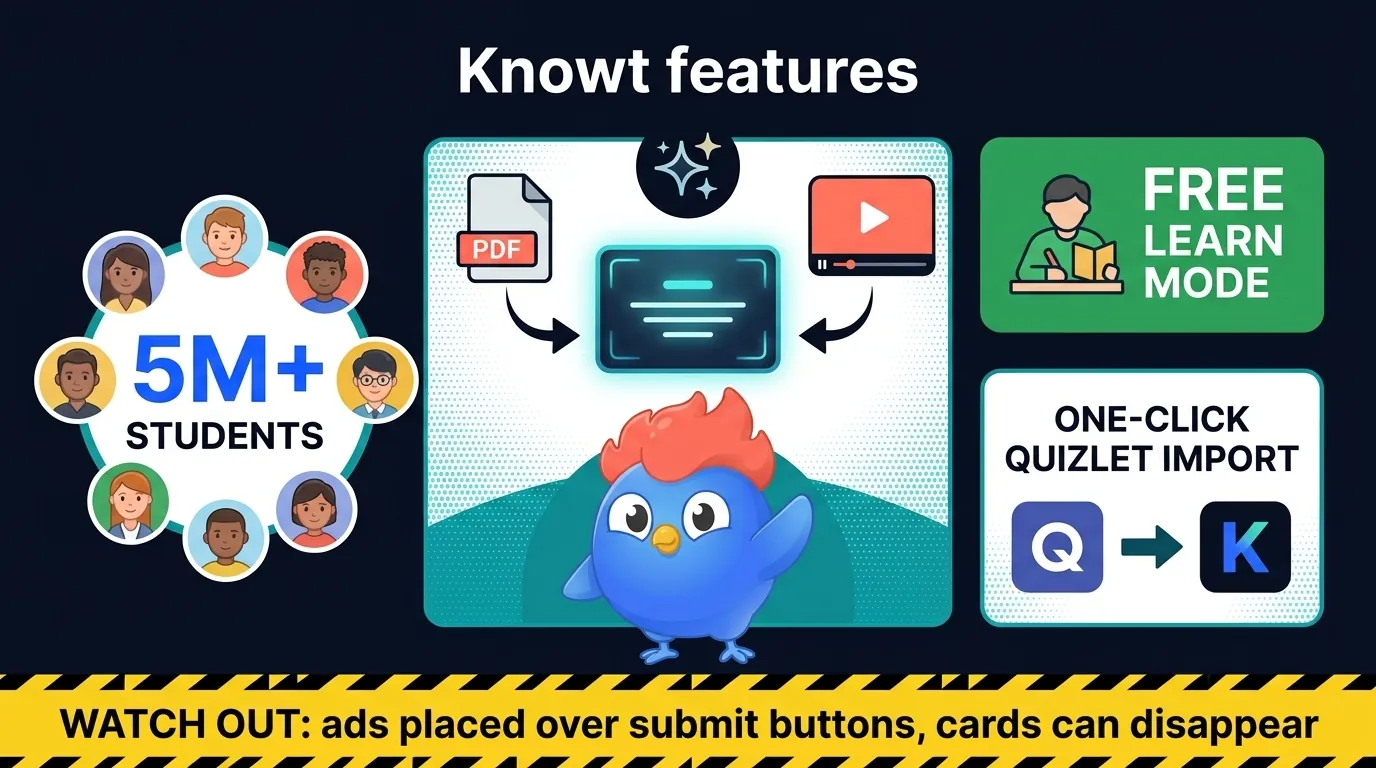
Knowt also builds flashcards from lecture videos, PDFs, and notes. Check generated answers against your course material before adding a whole batch to your review queue.
The trade-off is the free service’s advertising and paid AI limits. Pricing changed during our earlier checks: as of August 3, 2026, the paid plan was Ultra at $24.99 per month or $149.99 per year. Check the current plans page before buying; those are dated reference prices, not a promise about your checkout.
| Knowt | Quizlet | |
|---|---|---|
| Learn mode | Free | Limited free access; expanded with Plus |
| Practice tests | Free | Access varies by account and plan |
| AI card generation | Free (limited) | Magic Notes (Plus) |
| Quizlet import | One-click | N/A |
| Ads | Yes (free tier) | Yes (free tier) |
| Review scheduling | Free | Scheduled flashcard review on the website |
| Pricing | Free / $24.99/mo or $149.99/yr (Ultra) | Free (limited) / $35.99/yr Plus |
Best for: Students who want exactly what Quizlet used to offer for free. The one-click import alone makes it the easiest migration path on this list.
2. Anki: Best for Serious Long-Term Memorization
Ask around a US medical school and Anki is not one option among many, it is the default. Published surveys have found up to 70% of US medical students using it, with some individual cohorts reporting far higher. These are study samples. An association between Anki use and exam scores does not tell you how much a particular student will gain, since study time, prior knowledge, and the way the student uses the cards across a full semester can all differ between users and non-users.
Anki’s scheduler
Anki offers FSRS as an opt-in scheduler alongside its older SM-2 default; you switch it on in the FSRS section of the deck options. FSRS is the best-performing spaced repetition algorithm in the largest public SRS benchmark. By the FSRS project’s own published numbers, it was trained on roughly 700 million real reviews and trims wasted reviews by 20 to 30% compared with SM-2. Anki is free on desktop (Windows, Mac, Linux), web (AnkiWeb), and Android (AnkiDroid); the only paid piece is AnkiMobile for iOS at $24.99, one time.
Anki’s setup cost
Setup takes work. Anki has many settings, and a beginner needs time to learn what they do. Skip a few days and reviews pile up with no mercy. If you want a tool you can open and use in thirty seconds, the cost of learning Anki’s settings may outweigh its extra control, especially when your exam is close and you already have a working deck in another app. Keep that deck. Learn the new tool on a small set first. Our full Anki vs Quizlet comparison goes deeper.
3. Brainscape: Best for Adaptive Confidence-Based Learning
Brainscape flips the SRS model and hands you the dial. After each card you rate how well you knew it, from 1 (not at all) to 5 (nailed it). Low scores repeat more, high scores space out, and there is nothing to configure.
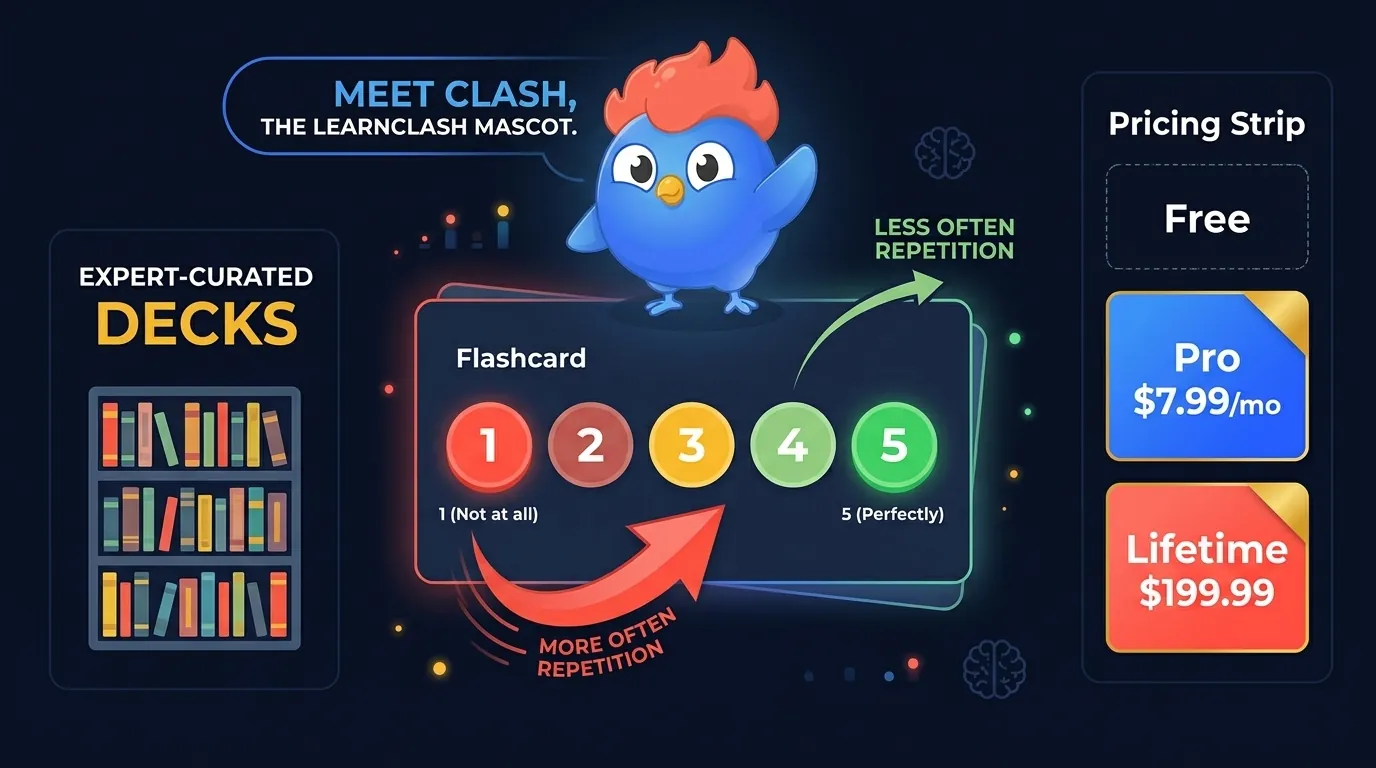
The other thing that sets it apart is the expert-curated deck library, a sharp contrast to Quizlet’s user-made chaos where thousands of students can end up memorizing a stranger’s wrong answers. Distinguish its expert-curated collections from cards made by other users; the same review standard should not be assumed for every public deck.
The free tier goes beyond your own cards: Brainscape’s pricing page lists importing existing flashcards, using AI to make hundreds of cards, 2,500 pre-loaded flashcards, and unlimited study of cards shared with you. Pro, at $7.99 a month on the annual plan ($19.99 month-to-month), adds unlimited AI card making, unlimited study of its Certified decks, and image and sound support. Users also complain about locked-down export, and reviewers say the mobile app struggles on spotty wifi. Worth the subscription if you value curation over DIY.
4. RemNote: Best for Connected Notes + Flashcards
RemNote starts from your notes and keeps note-taking and flashcards in one place. Take notes, highlight the key ideas, and it turns those highlights into cards, then schedules SRS reviews based on how well you knew each one.
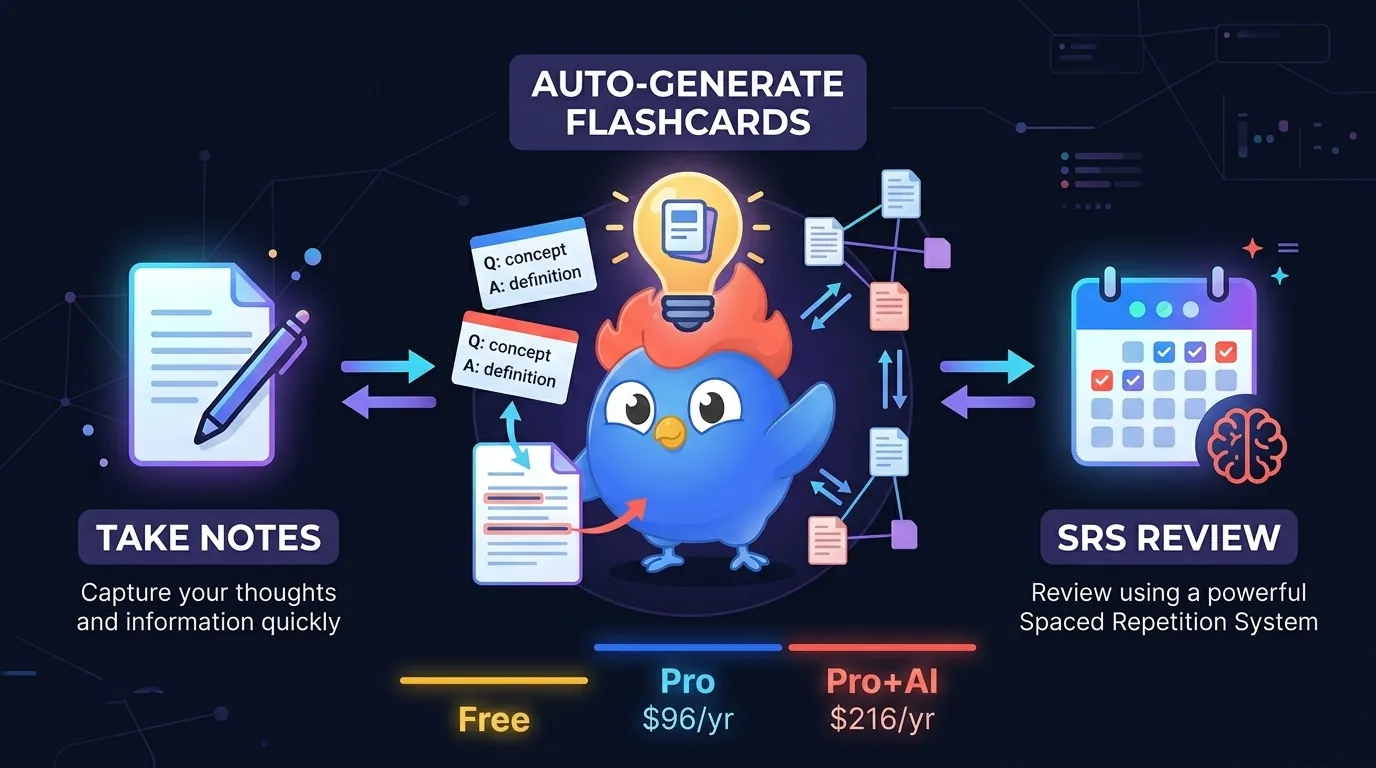
Two-way linking builds a knowledge graph where a biochemistry term can connect to a clinical case and a pharmacology flashcard in one workspace. PDF tools let you make linked cards straight from textbook pages, and the AI tier writes questions from your notes and grades your answers.
The free tier is tighter than it looks: three PDFs and five image-occlusion images before Pro kicks in, per RemNote’s own help pages. New users find the UI busy, and the mobile app trails desktop by a wide margin. If you take extensive notes and want the cards to fall out of them automatically, though, no other tool on this list has RemNote’s pipeline.
Specialists for Languages, Files, and Classes
The next four are less direct replacements for a Quizlet set. Choose them for the job they add, such as language practice or a group lesson, after checking that your own material fits.
5. Memrise: Best for Language Learning
Memrise does one job: language. Native speaker videos, real pronunciation practice, AI conversation partners, and spaced repetition driving the vocab review underneath. It covers 20+ languages, including rare picks like Yoruba and Mongolian that Duolingo doesn’t touch.
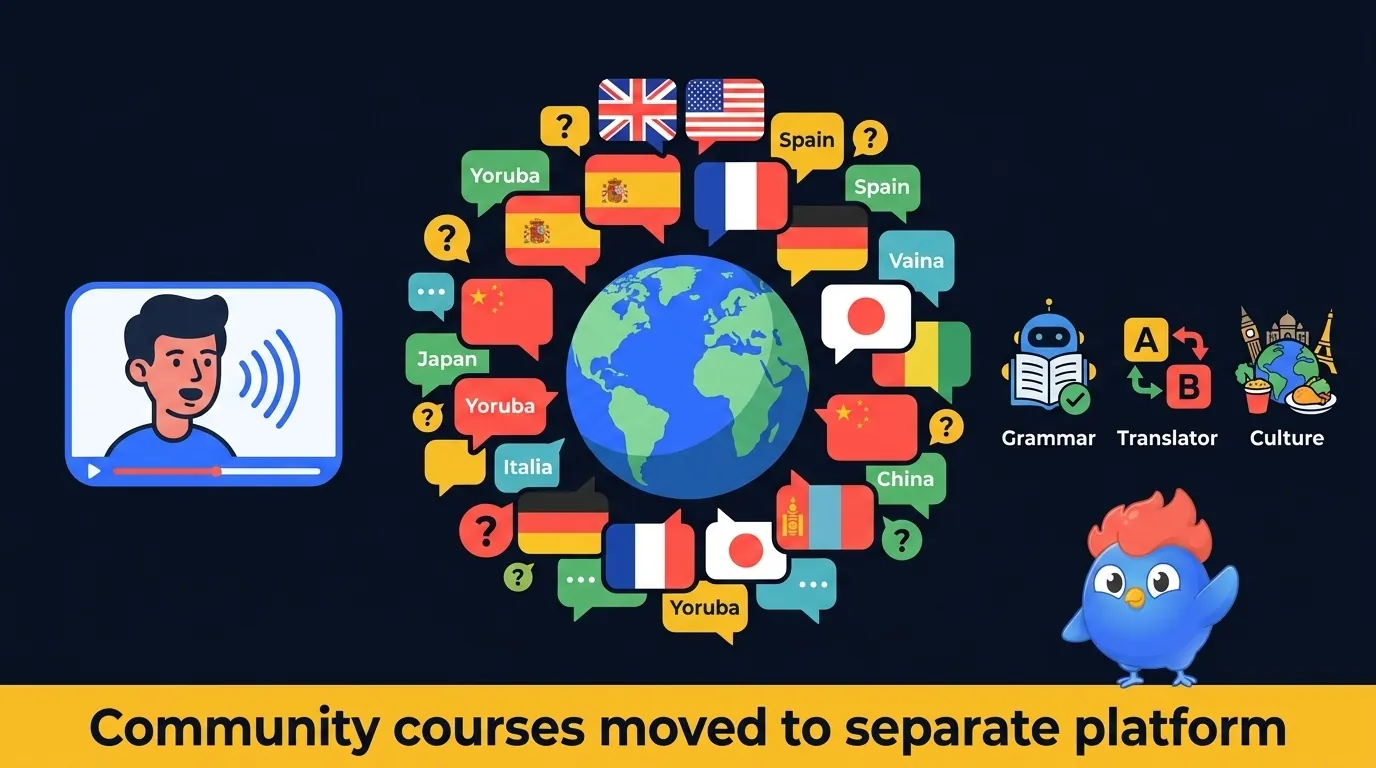
There is history worth knowing before you commit. In March 2024 Memrise pulled community-made courses out of its main app and website and parked them on a separate community-courses site, burying years of freely shared content; after the backlash it extended access through the end of 2025, and in 2026 it began migrating roughly 800 of those courses back as word lists. Content also thins out past B2 level, and at $24.99 a month (US App Store pricing as of July 2026) it is expensive for a vocabulary-first app.
Best for: Language learners who want native speaker immersion and rare language support. Only choose Memrise if language is the primary goal, because it is not a general study tool.
6. StudySmarter (Vaia): Best for AI Exam Prep
StudySmarter, which quietly became Vaia in most markets, turns your uploaded course material into a full study kit. Feed it a PDF, lecture notes, or a script and the AI produces summaries, flashcards, mock exams, exercises, and revision notes in one batch. A study planner builds a calendar around your exam dates, and SRS handles card review timing.
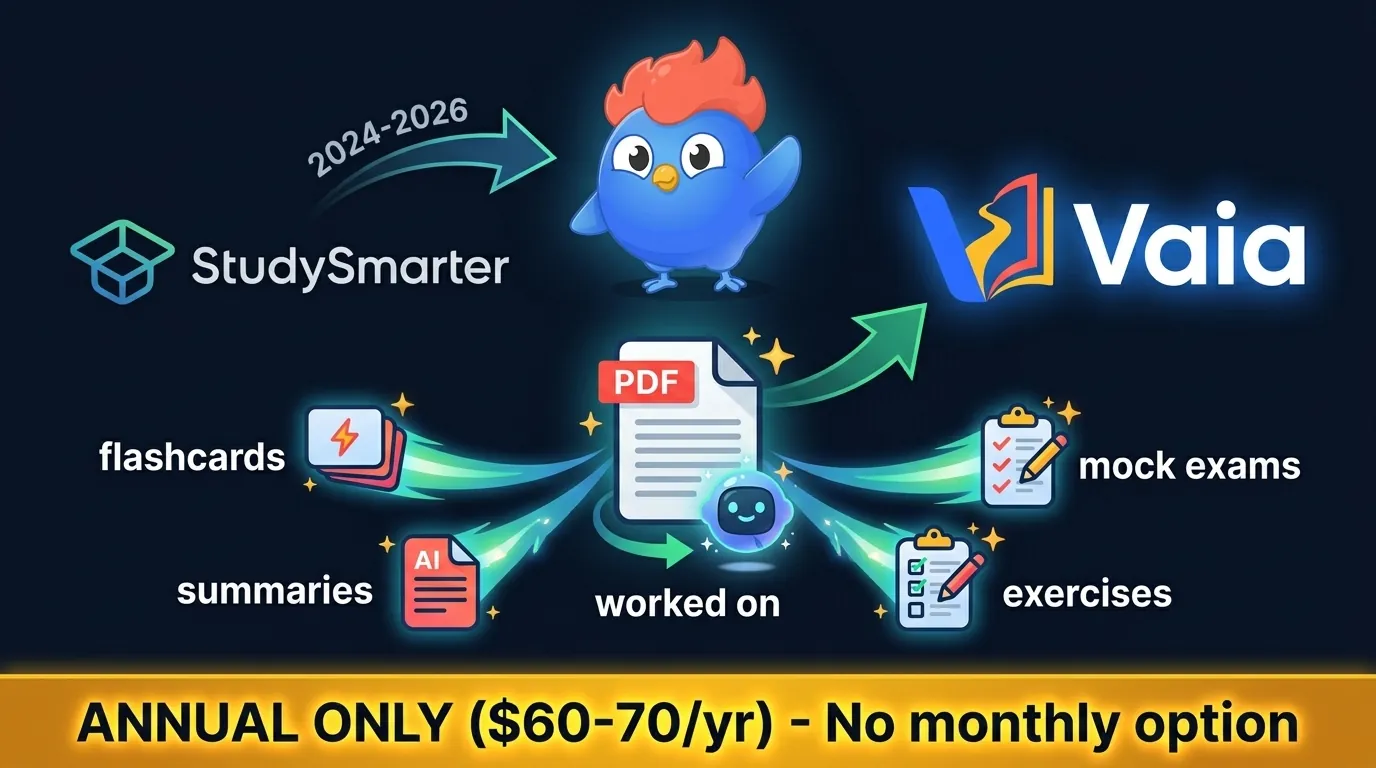
Check what the upload produced
Check a scanned page before uploading a full textbook. A tool can turn a bad text extraction into a neat set of wrong cards. Compare names, numbers, and symbols with the original.
7. Mochi: Best for Privacy-First Learners
Mochi is the quiet one. Your data stays on your machine: no signup, no cloud, no tracking. You get local flashcards with a modified SM-2 spaced repetition algorithm and a clean Markdown layout, on Mac, Windows, Linux, and both mobile platforms.
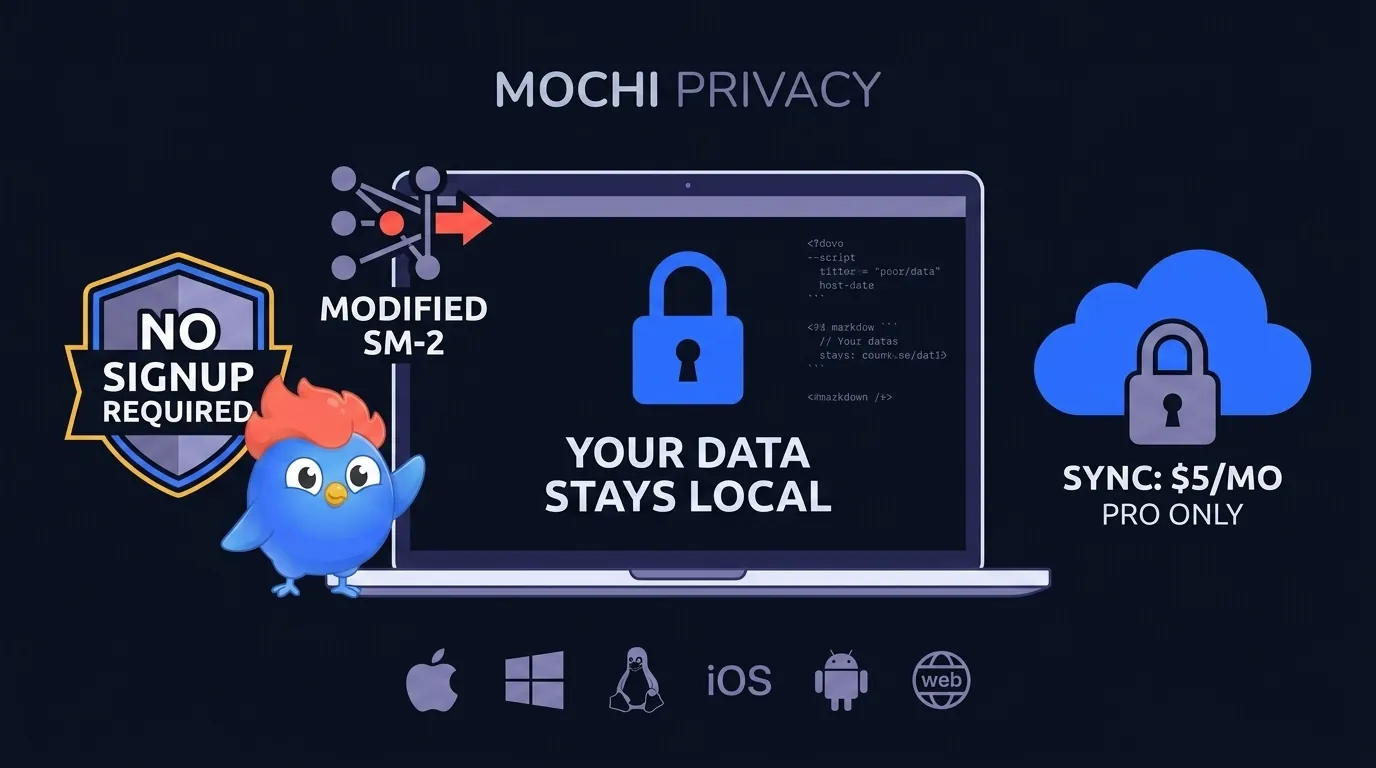
Markdown fans will feel at home, and an Obsidian plugin bridges your existing notes. The catch is the audience: if you don’t know what Markdown is, skip this one. Stats run thin next to Anki’s charts, and cross-device sync requires the paid tier at $6 a month, or $5 a month billed yearly ($60 a year), so free means offline-only.
Best for: Privacy-conscious learners and Markdown users who want local-first flashcards without cloud dependency.
8. Quizizz: Best for Gamified Group Quizzes
Wayground, which most people still know as Quizizz, sits right between Kahoot and Quizlet. It runs live group quizzes like Kahoot, but it also lets you play solo at your own speed with no host needed. AI builds quizzes from your source files. Google Classroom works on the free plan, and Canvas comes with a school or district plan. Points, boards, and power-ups keep a classroom awake.
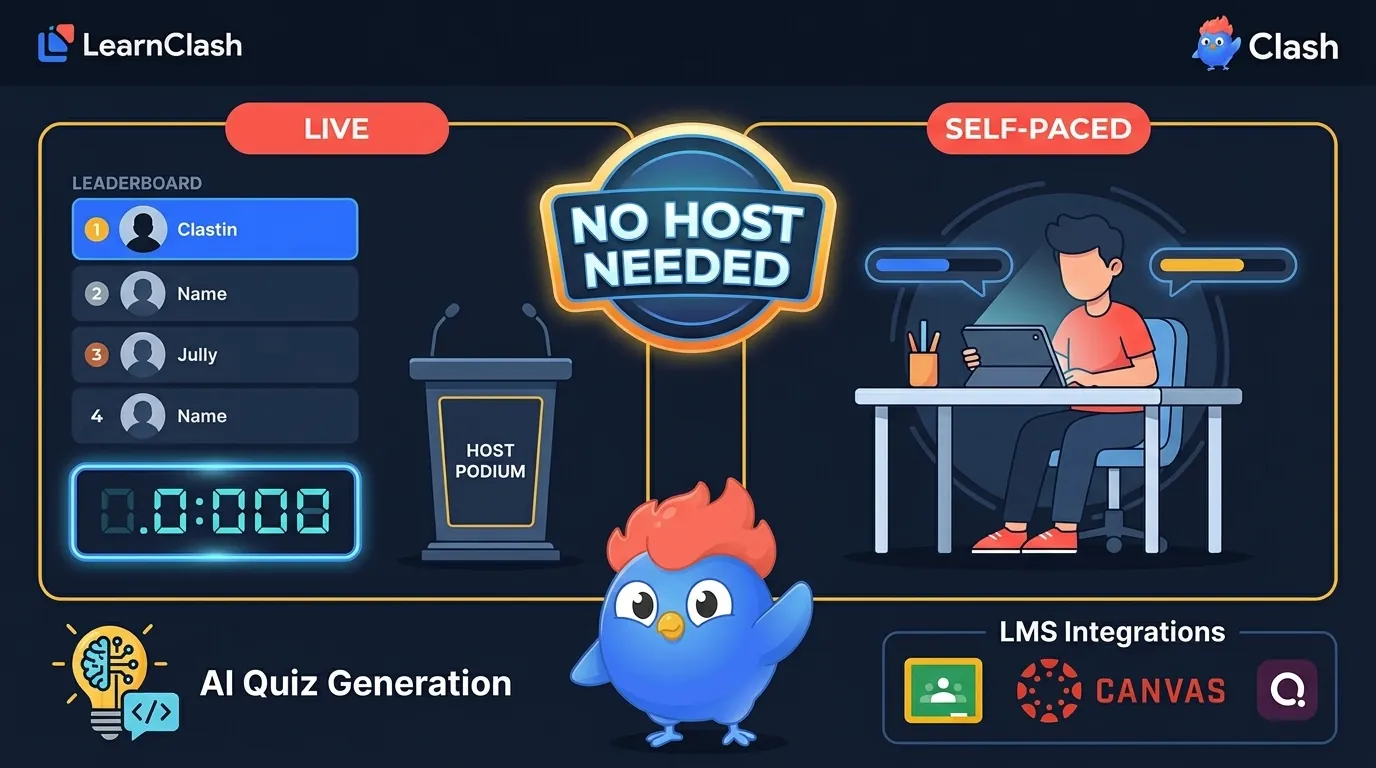
A classroom quiz needs a follow-up plan. The quiz itself does not establish when a learner should review a missed item weeks later. Teachers can schedule their own repeat practice or pair it with a card scheduler; our Kahoot vs Quizlet comparison covers the classroom quiz landscape in more detail.
Simpler Ways to Keep Using Cards
A large library and a small native app serve different needs. These last two choices suit readers who want to find or keep a straightforward set, with fewer settings to manage.
9. Cram: Best Legacy Flashcard Library
Cram is the old library of this list, and it is closing. Cram retires on November 9, 2026. Its retirement FAQ says the site will then go offline permanently and that no content or product features will be migrated, so if you study from Cram sets, save them or move them to another tool before that date, while the site is still up.
Until then, it remains a premade collection Cram itself advertised at 190+ million flashcards (its homepage claim as of August 2026; independent counts vary), with text-to-speech in 18 languages. Its homepage, checked October 30, 2026, lists Learn mode, spaced repetition, Test mode, Cram mode, games, and one free AI flashcard maker.
Cram’s limits
The shutdown outweighs every other limit. A set you have not copied out by November 9, 2026 goes with the site. The spring 2026 comparison also recorded that games ran only on desktop and that ads ran heavy on the free tier. Treat Cram as a library to copy from before it closes, not a place to start a new course.
10. Flashcard Hero: Best for Apple Users
Flashcard Hero has separate Mac and iPhone/iPad apps that sync through iCloud Drive. Checked on September 6, 2026, the US App Store lists Mac at $14.99 and iPhone/iPad at $4.99, each a one-time purchase.
The Mac app offers hidden-answer, multiple-choice, and typing modes, plus speech in over 30 languages. The developer explicitly describes Leitner spaced repetition. The earlier description as progress tracking without SRS was incorrect.
Flashcard Hero’s device limits
The developer’s free/paid comparison lists 20 cards per deck for Lite and 1,000 for the paid Mac edition, with deck sharing in both. It also advertises a separate Windows 10 app. Those pages were checked on the same date; this was a documentation check, not a hands-on sync or study session.
Where LearnClash Fits, Outside the Ranking
I built LearnClash around a different starting point: pick a topic and answer questions in a duel. You do not first make a deck. That suits voluntary practice on a subject you enjoy; it is a poor fit when an exam requires the exact terms in a supplied set.
LearnClash’s review system gives a question three states: Learning, Known, and Mastered. A due review checks a Learning question after seven days; a correct answer moves it to Known, with a further check after 90 days. A miss moves it back one stage. Those are product rules, not measured claims that every player remembers a fixed percentage. The account of why we changed the intervals explains the design decision.
Exact sets and question errors
LearnClash cannot import a Quizlet deck. If you need your professor’s exact wording or a classroom roster and gradebook, choose a tool built for those requirements before deciding whether separate quiz practice has a place in your week. Its generated questions can be wrong. Report a doubtful answer and verify it before studying from it. Even when the review schedule works exactly as designed, this guide supplies no evidence that LearnClash produces better exam results than any of the ten tools above, or that a quiz score measures mastery of a course.
| Your requirement | LearnClash fit |
|---|---|
| Practice a topic without building cards | Topic-based duels and Solo sessions |
| Study a supplied Quizlet set word for word | Use a tool that supports that set |
| Review missed questions later | Three-stage review built into play |
| Run a class and collect grades | Choose a classroom tool |
| Avoid ads | No ads on either LearnClash tier |
The free plan includes one Solo session per local calendar day. Premium raises the practice allowance; it does not change whether ads appear. If this is the activity you want, try a LearnClash topic. If your deadline is tomorrow’s vocabulary test, start with the cards your course requires.
Check a Small Set Before Moving Everything
Start small. Pick ten cards you know well, including a long answer, a picture, and the notation your course uses, then move that sample and study it on the device you actually carry to class. This short check will reveal more than another row of feature ticks.
Look at both sides of each imported card. A definition can transfer while a diagram disappears; a line break can turn one answer into several. Make a correction, confirm it survives sync, then close the app and return to the review queue to see whether the due cards and their next review dates still make sense for the course you are taking. Keep the original file.
| If you mostly… | Start with | Check first |
|---|---|---|
| Drill your class’s existing Quizlet sets | Knowt | Import quality and free mode limits |
| Study one exam over several months | Anki | Settings, sync, and daily review load |
| Take notes that should become cards | RemNote | How linked cards behave when notes change |
| Need private, offline study | Mochi | Backup and export before moving a large deck |
| Host a group quiz | Wayground | Class size and assignment limits |
An easy exit matters too. Export the sample back out before committing a semester of work. If a tool won’t return your cards in a useful form, the low entry price comes with a future cost. Keep your original sets until you have checked the new copies.
Quizlet’s website scheduler includes four recall ratings, a daily new-card setting, and optional reminders. Compare the controls before switching tools. Our Quizlet spaced repetition analysis and Anki vs Quizlet comparison cover the review options in more detail.
Frequently asked questions
What is the best free Quizlet alternative?
Start with Knowt if you want to move existing Quizlet sets and keep free Learn mode. Choose Anki for scheduled review over months, with more setup. There is no single winner for every study task. LearnClash publishes this guide and is excluded from its ten-tool ranking.
Do Quizlet alternatives have spaced repetition?
Anki, Knowt, Brainscape, RemNote, and Mochi offer review scheduling, with different controls and methods. Quizlet also schedules due-card reviews in Flashcards on its website, based on your recall ratings.
Can you import Quizlet sets to other apps?
Knowt offers a Quizlet-link import. Anki accepts text-file imports, so an export of a set you own can be a route in. Check formatting and whether your images survived before moving a full course. Imports depend on Quizlet's permissions and the receiving tool.
Is LearnClash a flashcard replacement?
LearnClash is a competitive learning app with topic-based quiz duels and spaced repetition. It cannot import Quizlet decks or reproduce a teacher's exact set. Use a flashcard tool for exact course material; consider LearnClash separately for voluntary topic practice.